.png)
Service & Support Hub.
Register your appliance warranty, request home installation services, or browse troubleshooting guides.
Check Warranty Status.
Enter your appliance serial number (found on the rating plate) to verify covered timeline parameters.
Book Installation or Repair.
Schedule a visit from a certified Maximo technician.
Our nationwide support desks coordinate with local service hubs to ensure prompt visits, certified spare parts replacement, and proper appliance demonstrations.
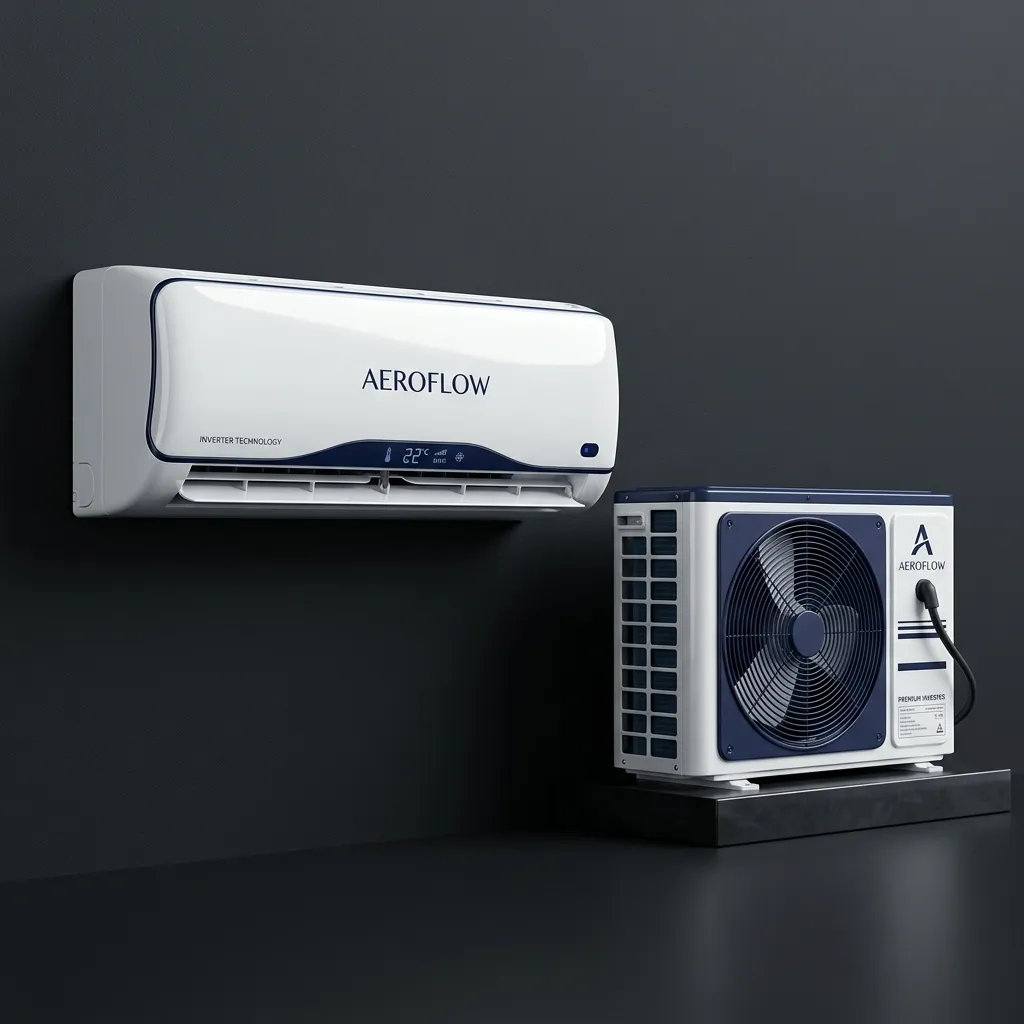
Certified Assistance At Every Step.
Whether setting up your smart home ecosystem, troubleshooting, or replacing hardware components, our specialists provide seamless care.
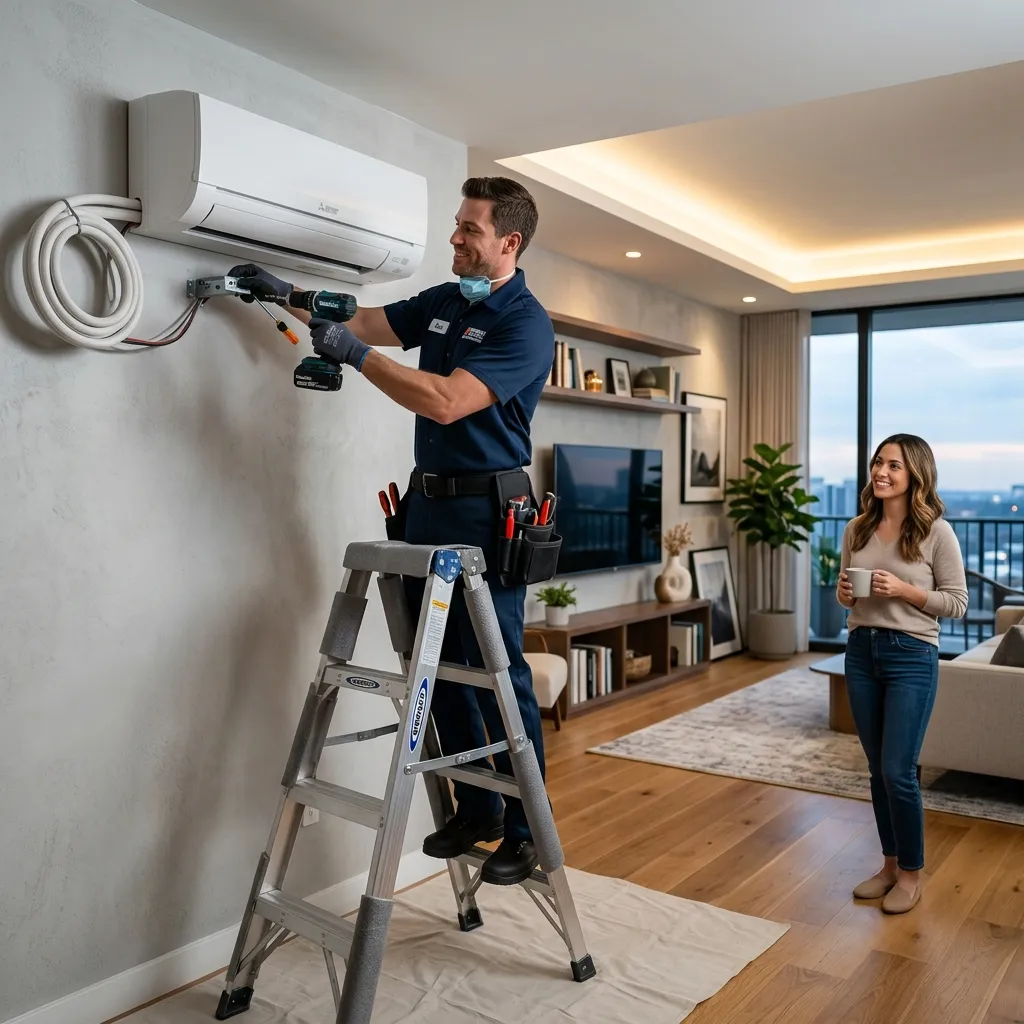
Installation Services
Certified wall-mount AC and geyser alignment

Help Center Desk
24/7 hotline support & warranty validations
Maintenance & Repair
100% genuine spare parts replacements
Frequently Asked Questions.
Download the Maximo Smart App from Google Play or App Store. Turn on your Air Conditioner and hold the 'Smart' button on the remote for 5 seconds until the Wi-Fi icon flashes on the panel. Open the app, select 'Add Device', and input your home 2.4GHz Wi-Fi credentials to complete the sync.
Brushless DC (BLDC) motors eliminate mechanical brushes, reducing friction and hum noise. They consume only 28W at highest speed settings compared to standard 75W induction fans, lowering annual running costs by up to 60% per fan.
For best cooling performance, clean the honeycomb pads with running water every month to remove mineral and dust buildup. We recommend replacing honeycomb pads every 2 years depending on water hardness in your region.
Yes. Maximo Instant and Storage Water Heaters are built to handle pressures up to 8 bar. They feature high-strength stainless steel or titanium enamel glass-lined tanks, making them ideal for high-rise residential properties using pressure-pump systems.